
Brello 360 Partner Portal
Complexity80%
Delivery scope50%
See the solution up close.
Use the arrows to change images
01/12
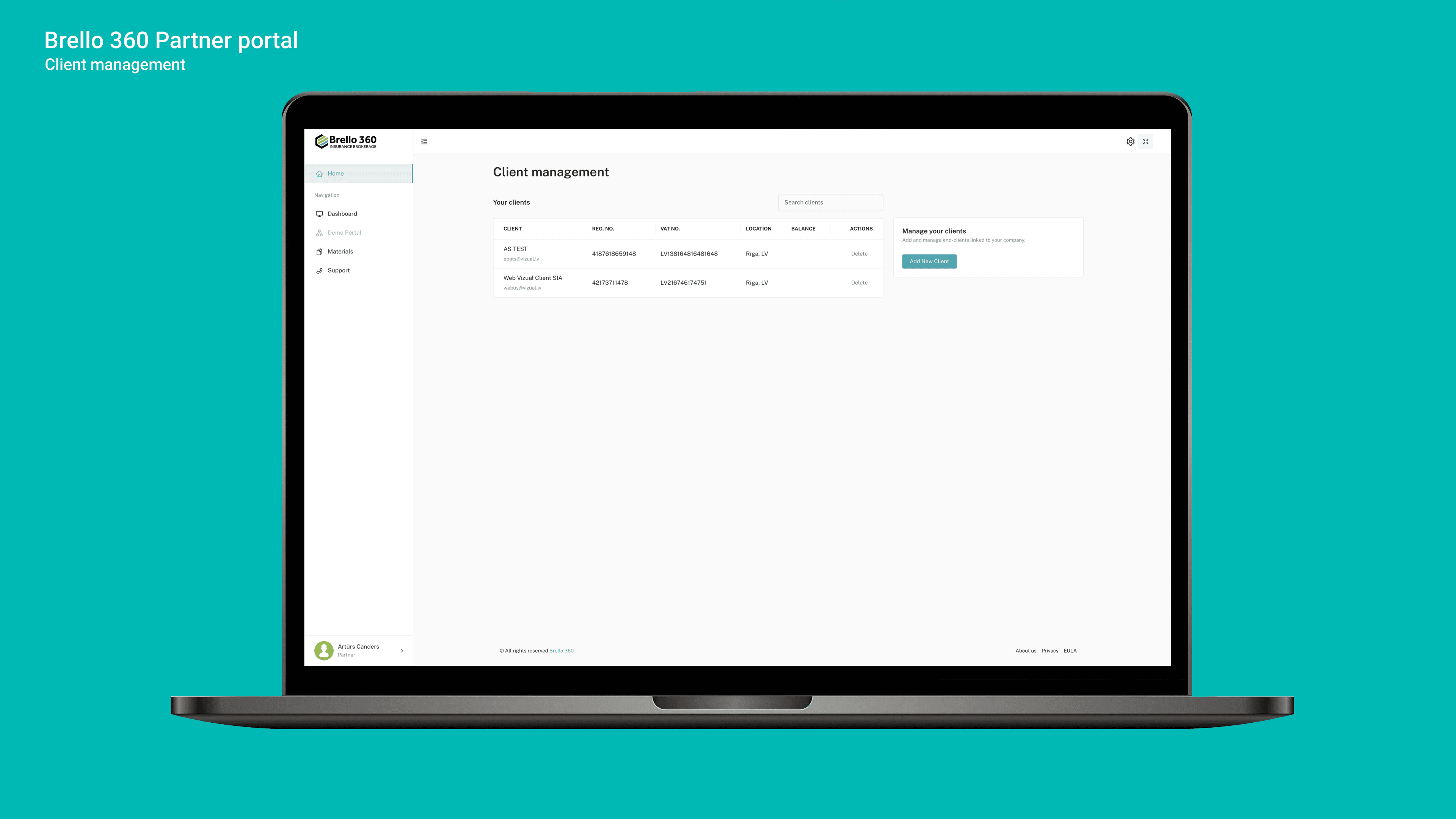
To develop a centralized and secure partner portal that brings collaboration, communication, and data management processes together in a single platform. The goal of the system is to replace fragmented communication, email-based information exchange, and manual document sharing with a unified platform where partners can access up-to-date information, materials, support, and their collaboration data. The solution is designed for both external partners and internal teams, providing role-based access, ERP system integration, support system connectivity, and centralized content administration.
- Publicly accessible informational pages where users can explore the portal’s capabilities, partnership benefits, and partner-focused solutions without registration.
- A partner registration form with data validation and administrator approval, ensuring controlled access and high-quality partner onboarding.
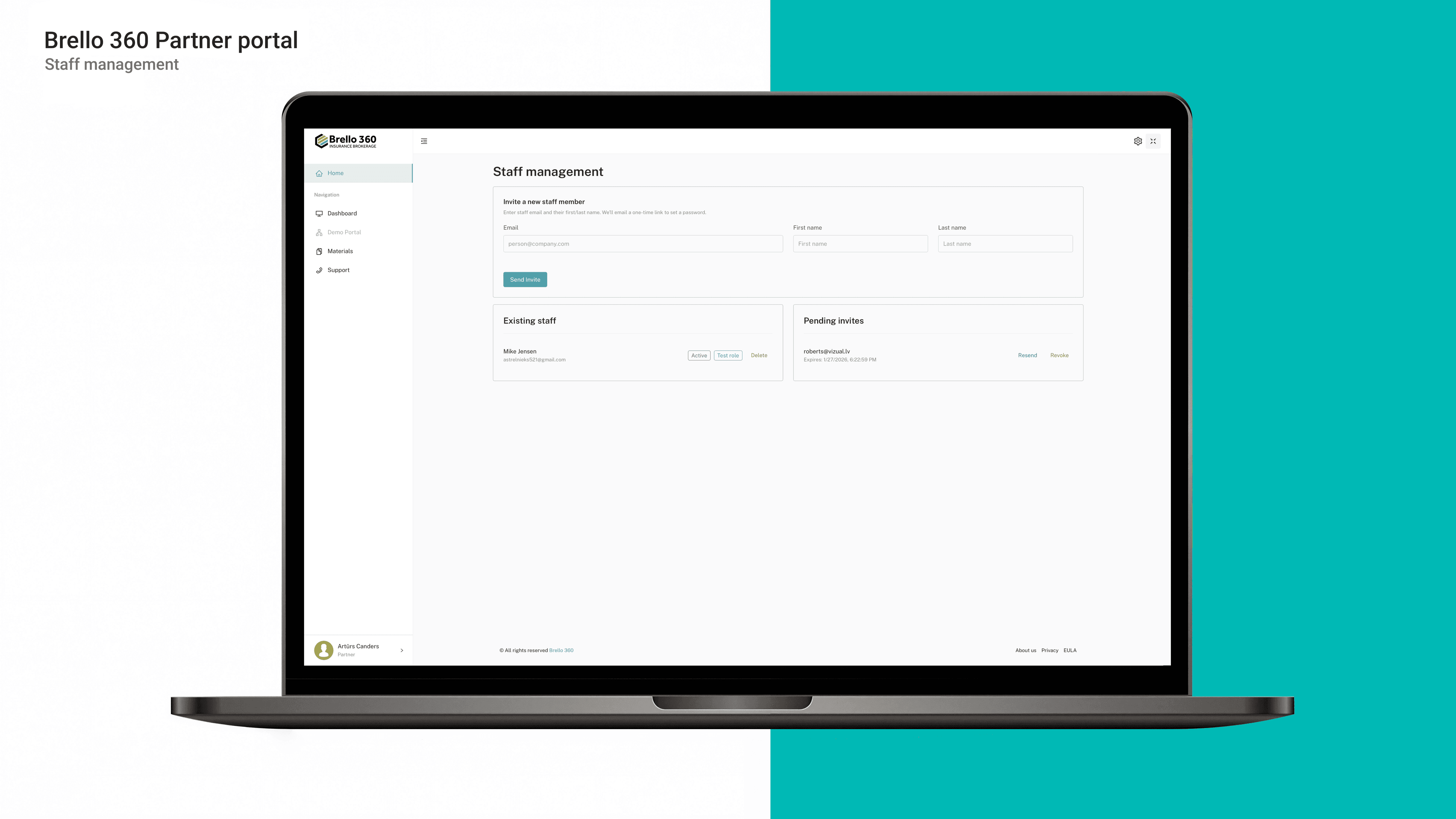
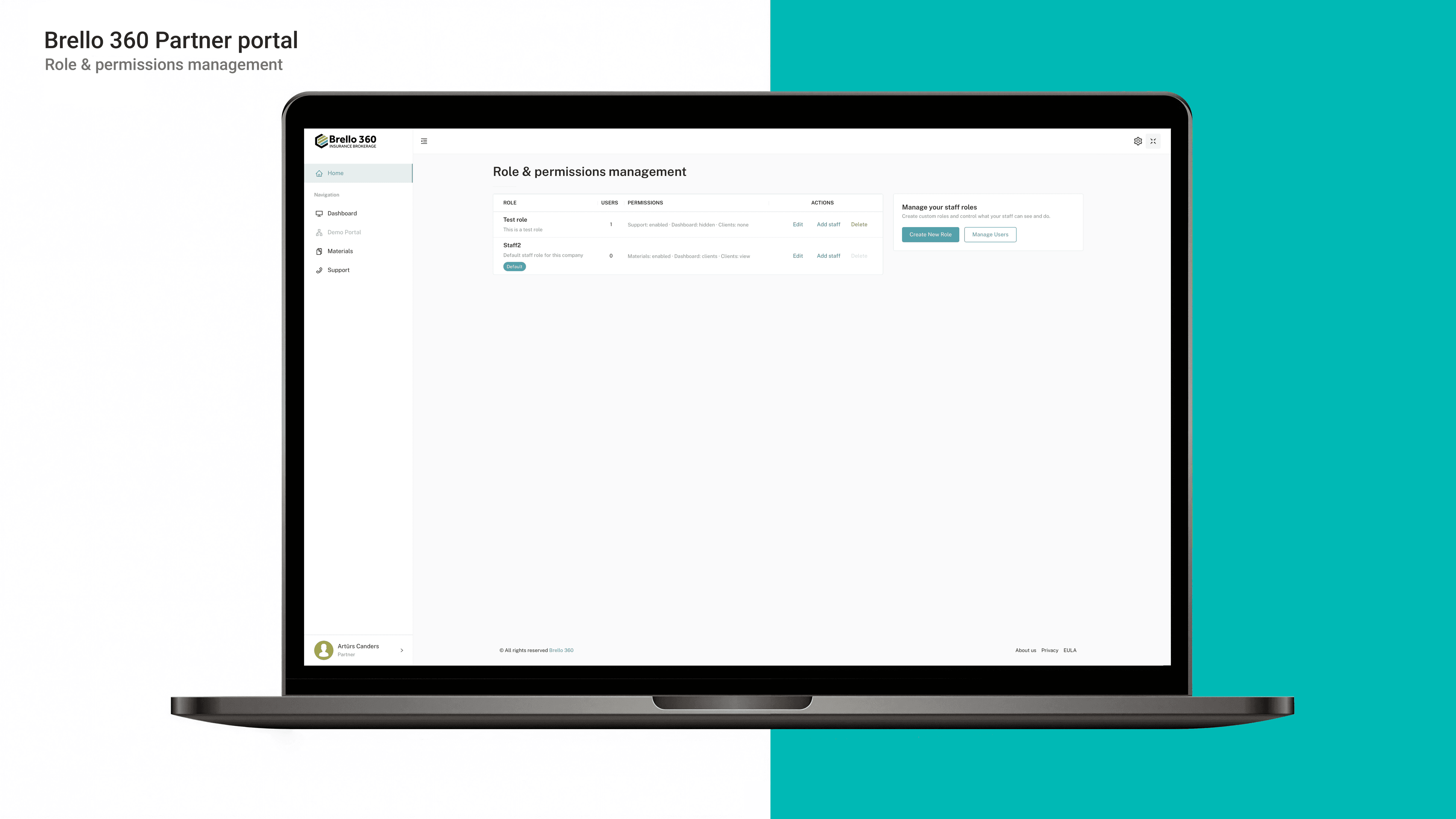
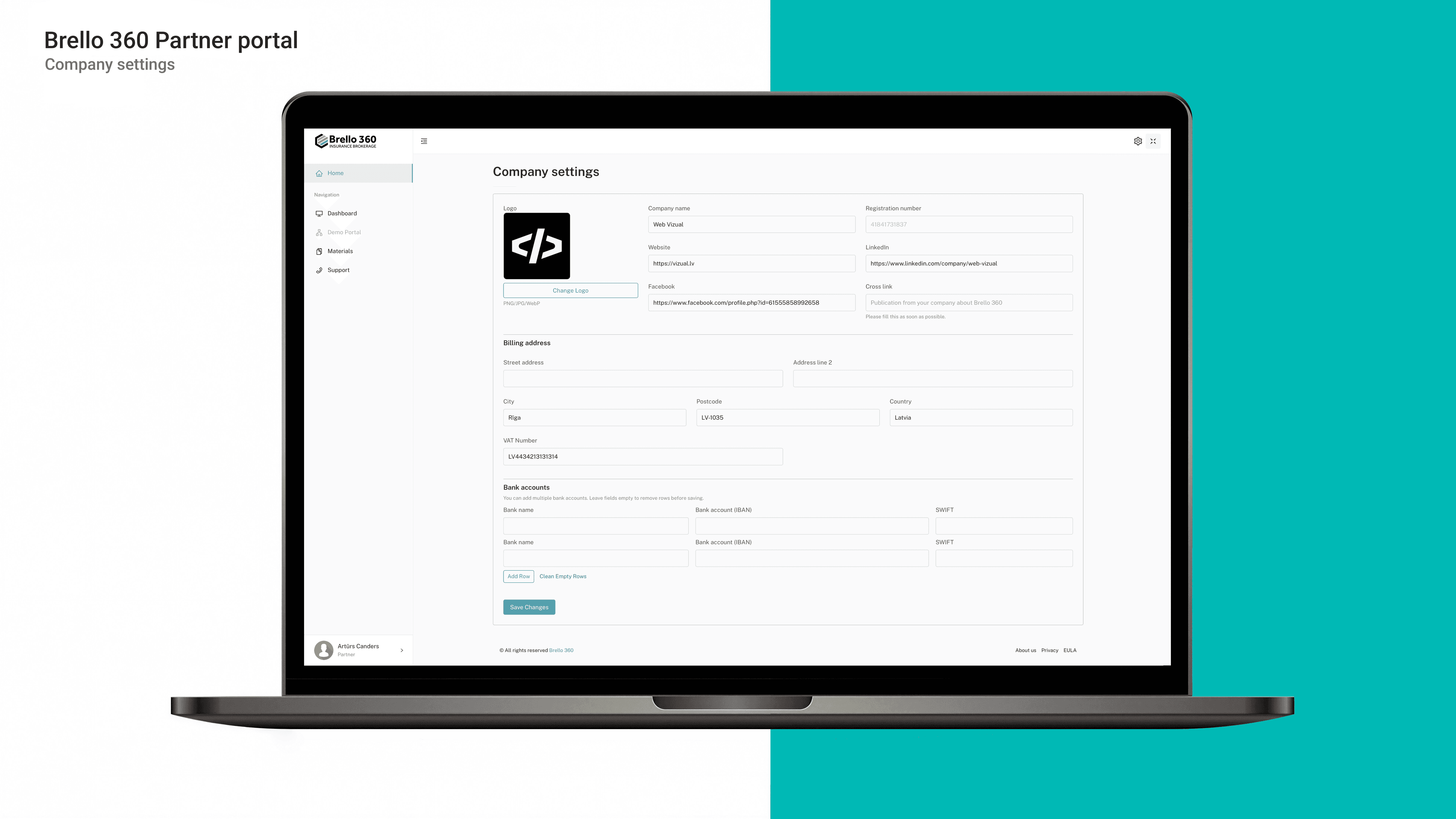
- The first registered user is automatically assigned as the organization administrator, with the ability to manage organization access and users.
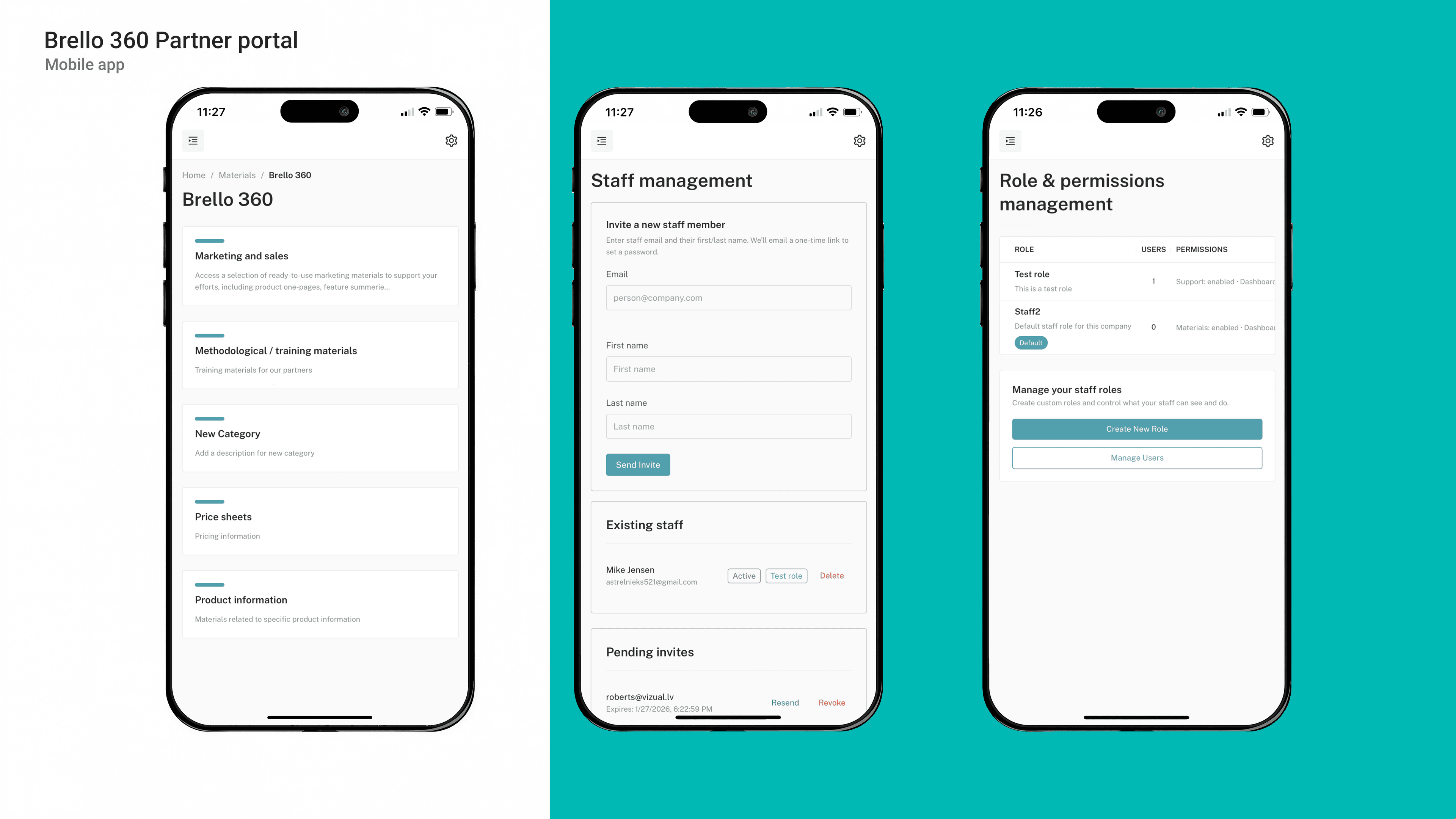
- Role and access rights management (administrator / user) with differentiated access to sections based on user responsibilities.
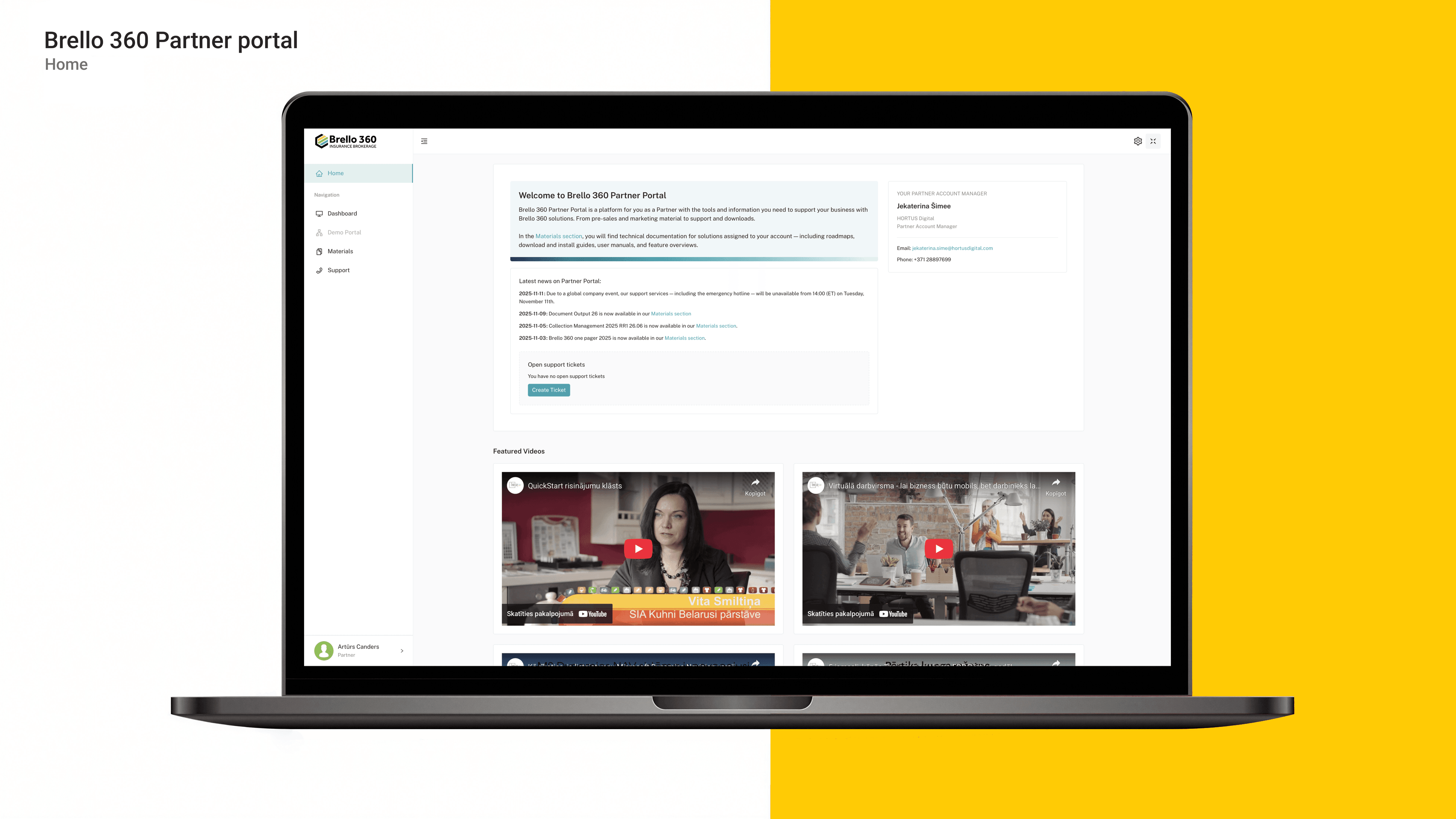
- A personalized homepage with announcements, content, video integration, and a contact form for convenient communication with support.
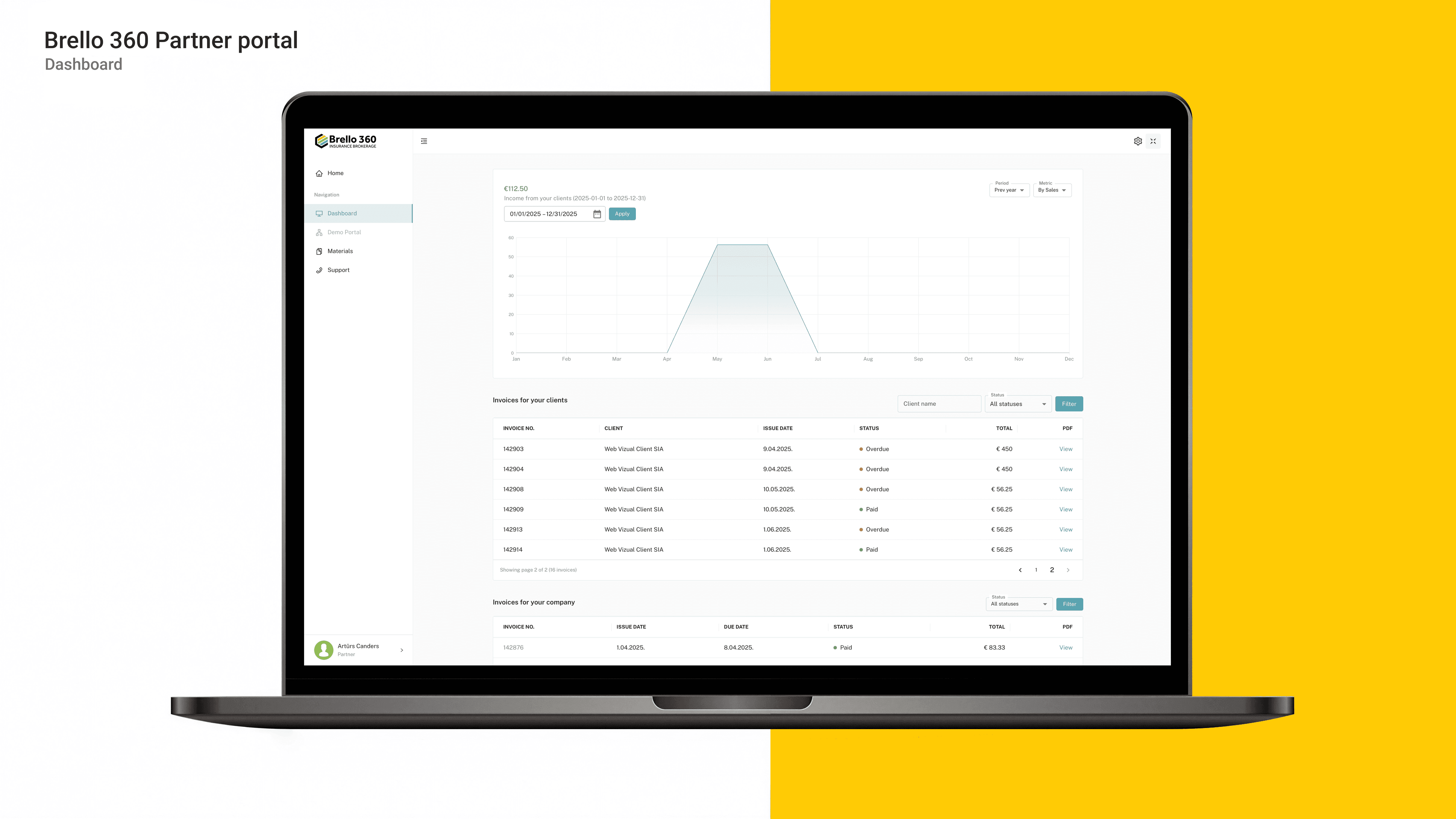
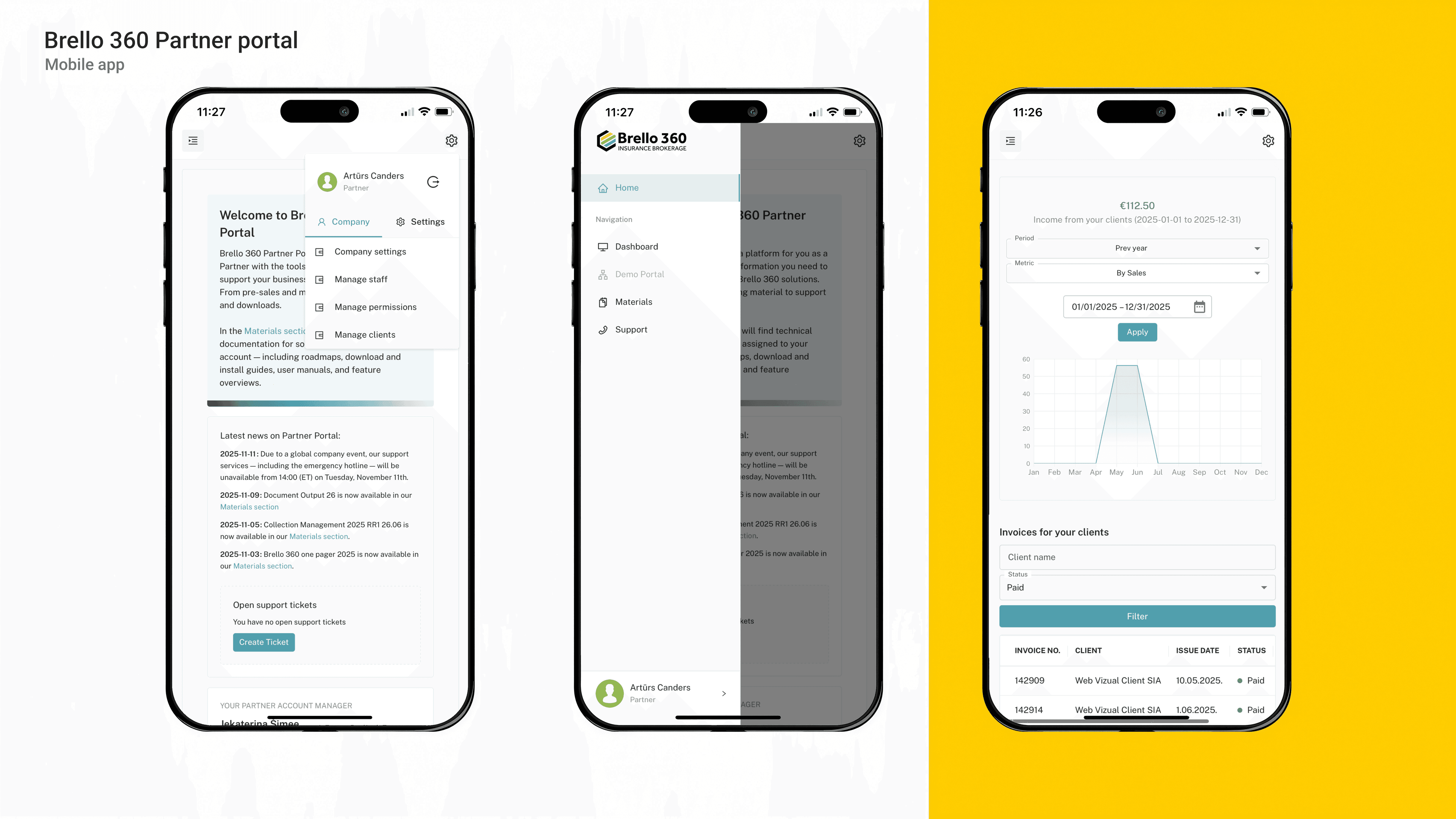
- A partner dashboard where performance and financial metrics can be reviewed, including direct and indirect client turnover within a multi-level partnership model.
- Invoice and payment information overview within the portal, displaying invoice numbers, dates, statuses (paid/unpaid/overdue), totals, and outstanding balances.
- ERP integration with bidirectional data synchronization, ensuring that changes to company data, contacts, and invoice statuses are automatically updated in both systems.
- New company registration with automatic data submission to the ERP system using the registration number as a unique identifier, blocking duplicates if the company already exists.
- Existing company verification logic that restricts access until manual review when a company already exists in the ERP and attempts to register in the portal.
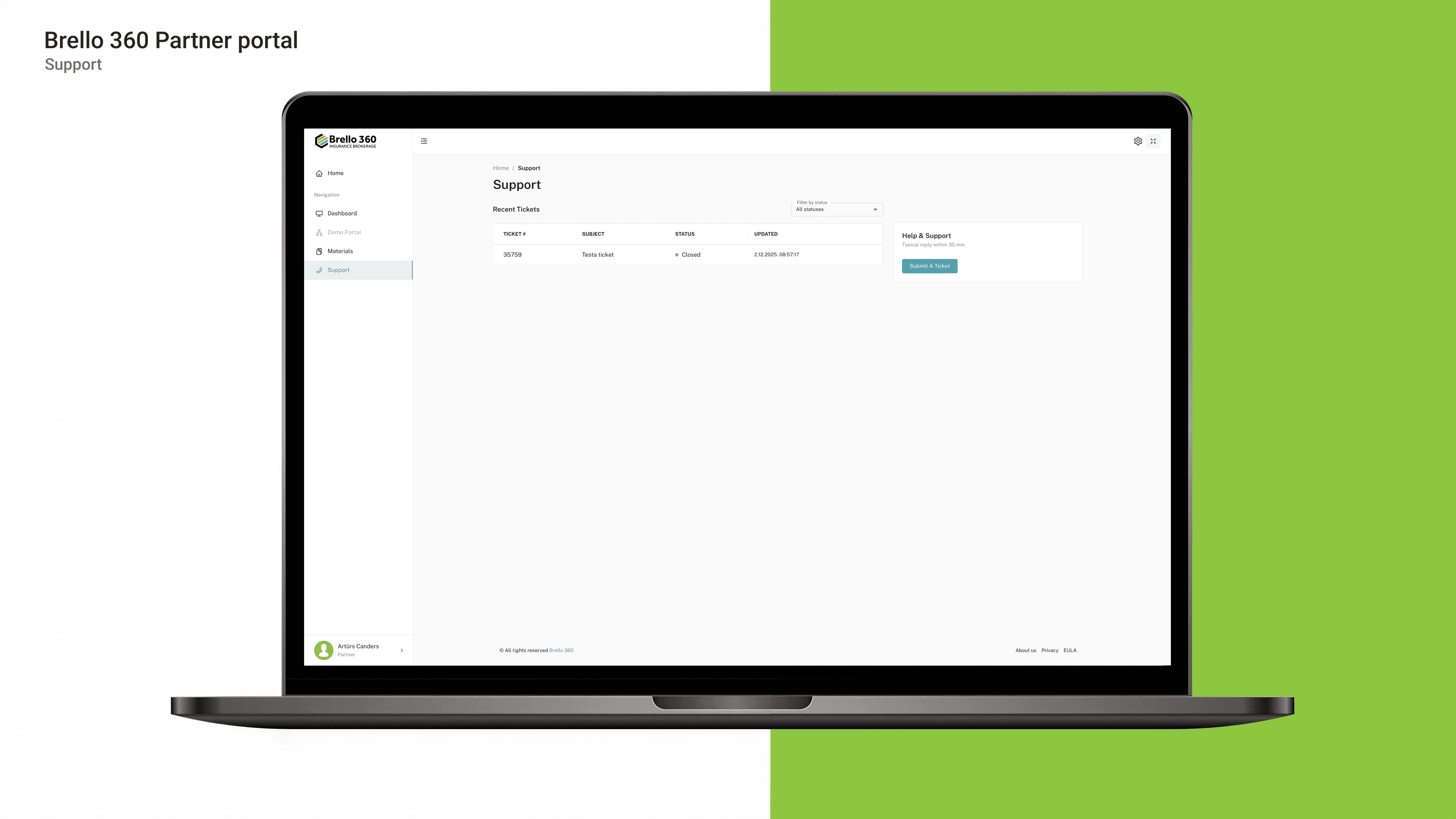
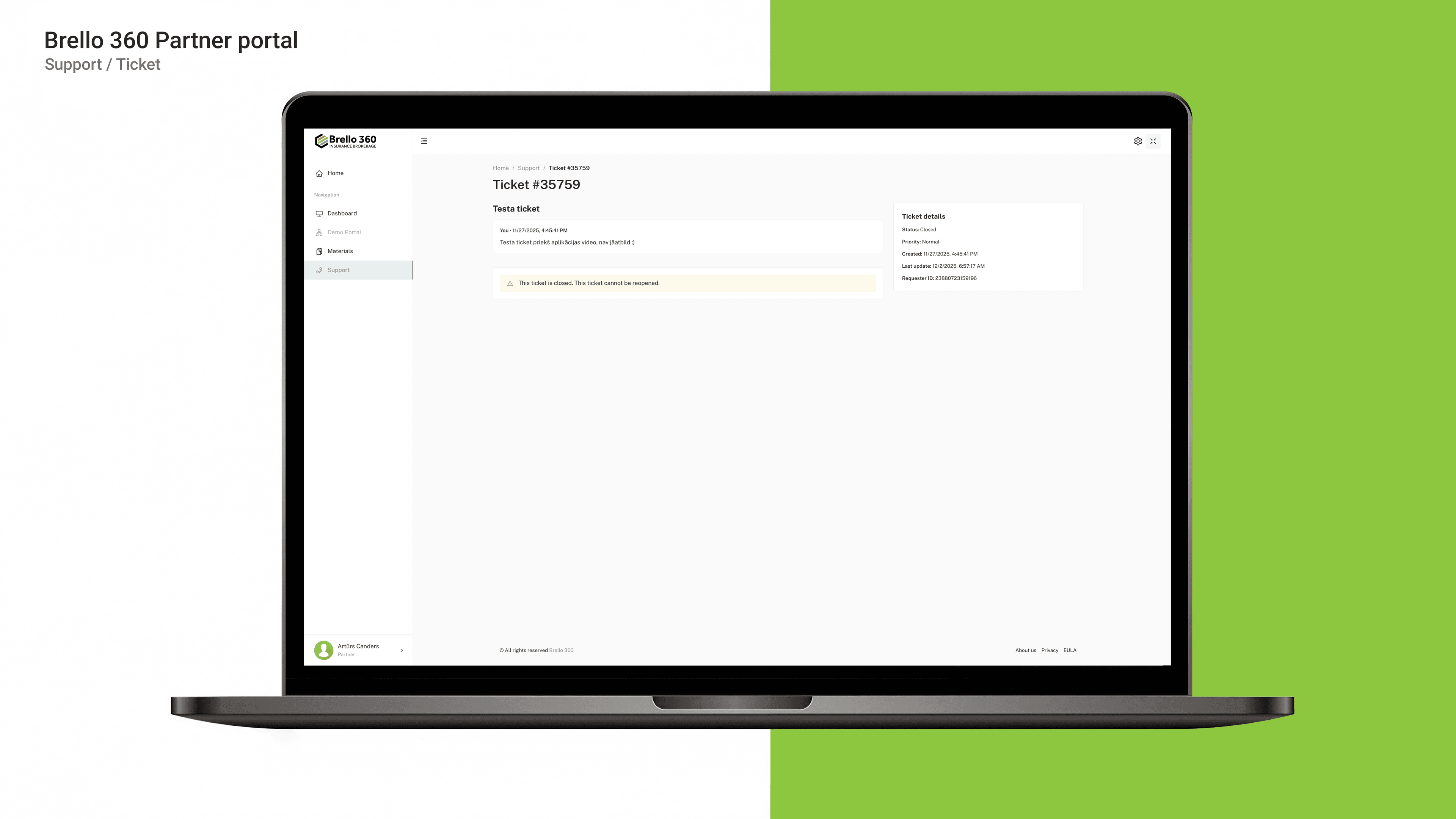
- A support section with Zendesk integration, allowing support requests to be submitted through the portal and processed within the support system, maintaining a seamless partner experience.
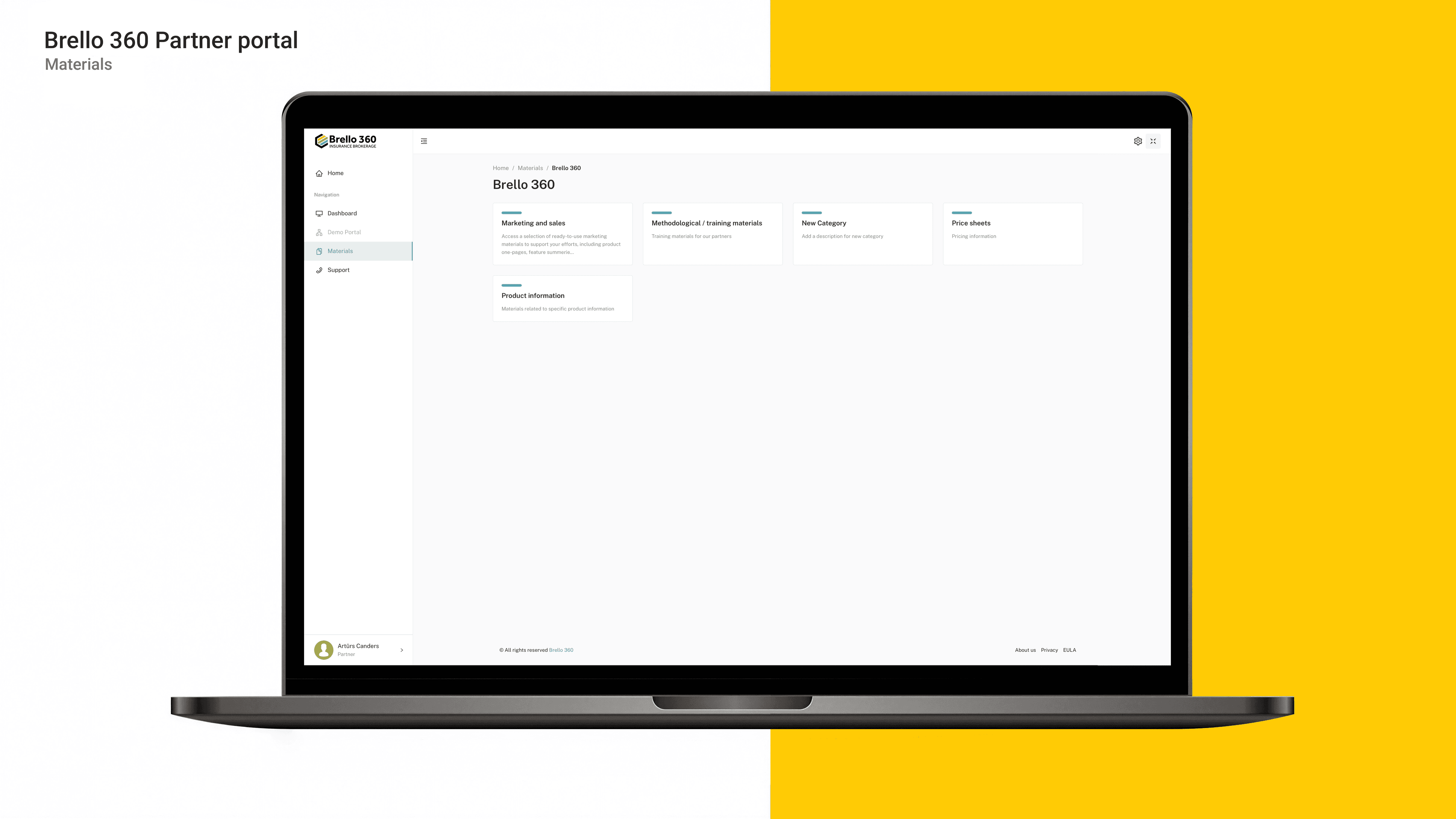
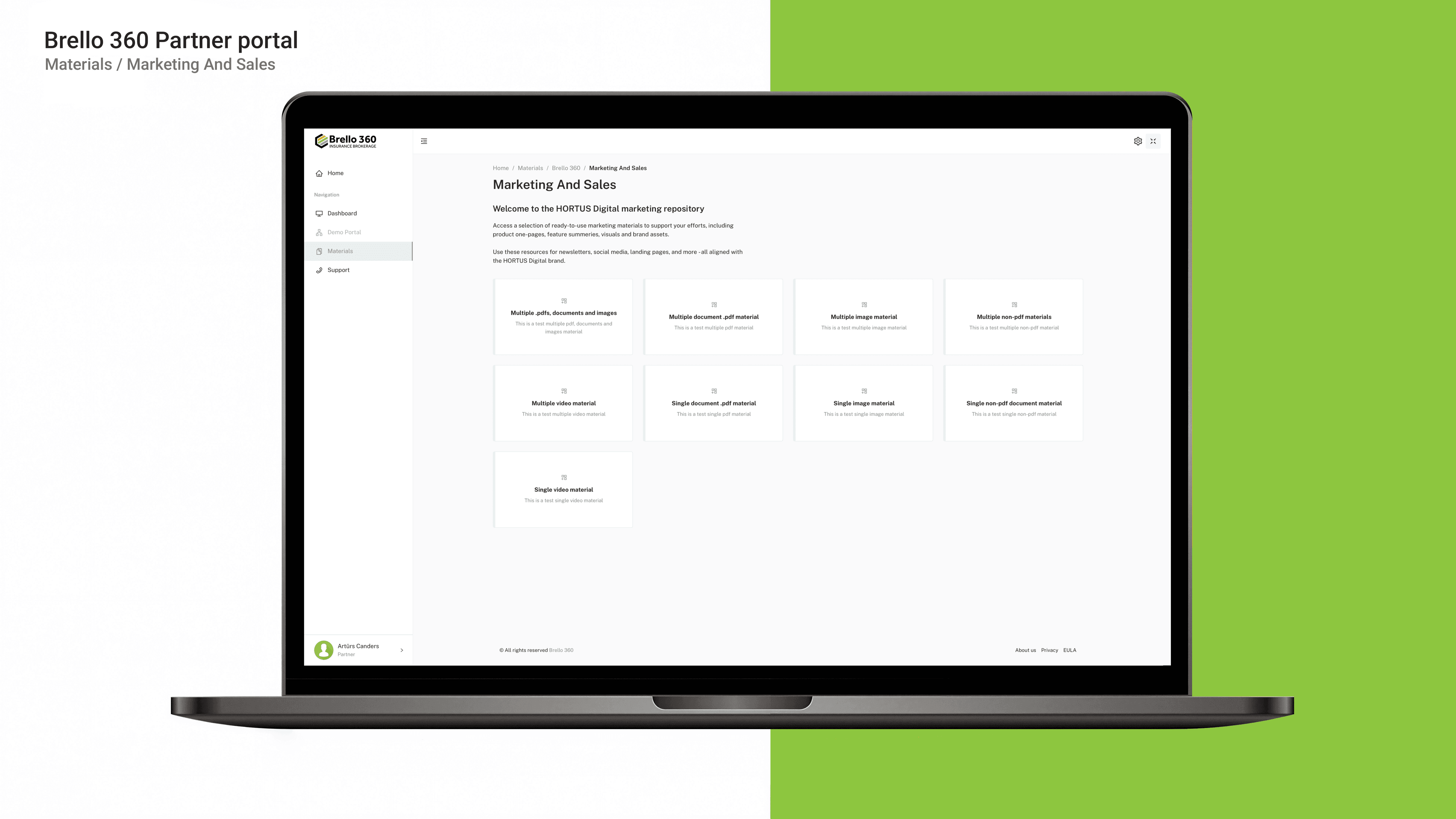
- A Materials section for document and content management, where files are grouped by products and access rights, ensuring structured content for different audiences.
- Internal administration tools for reviewing, filtering, and searching partner profiles, as well as approving, rejecting, or blocking applications.
- Announcement management for the homepage and targeted information distribution to partners, improving communication and information flow within the portal.
- Data security and access control, ensuring that users can only access data associated with their company, with request validation to prevent access to other companies’ information.
- A fully responsive design with fast loading times, intuitive navigation, and usability elements (loading indicators, error messages), optimized for use on mobile devices.